Gadgely
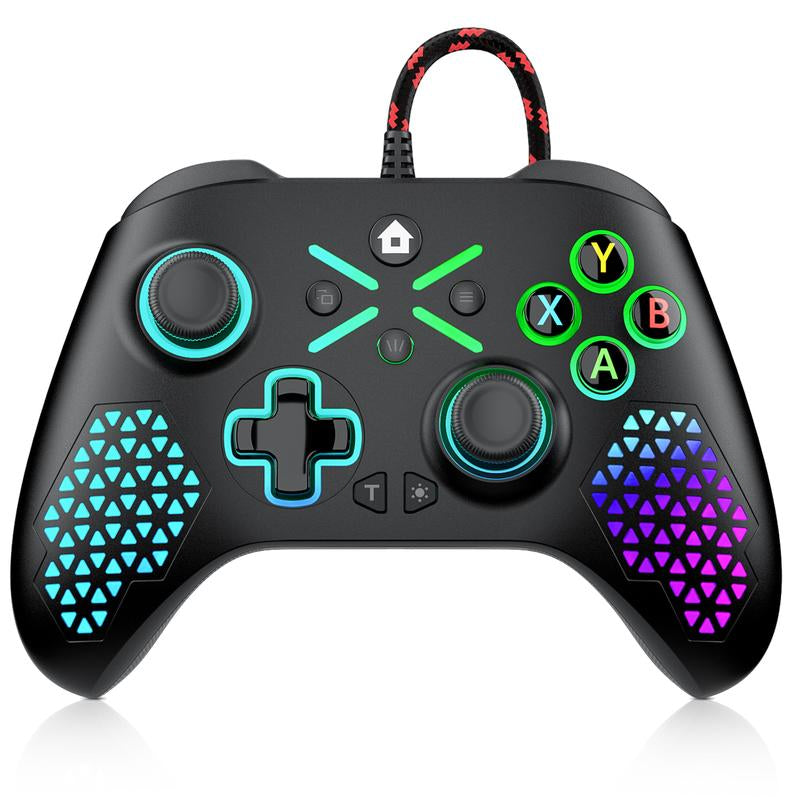
XBOX ONE RGB Controller for Xbox One/Xbox Series & PC, Programmable Macro & Turbo Gamepad with Dual Vibration
XBOX ONE RGB Controller for Xbox One/Xbox Series & PC, Programmable Macro & Turbo Gamepad with Dual Vibration
Couldn't load pickup availability
1.Key Features
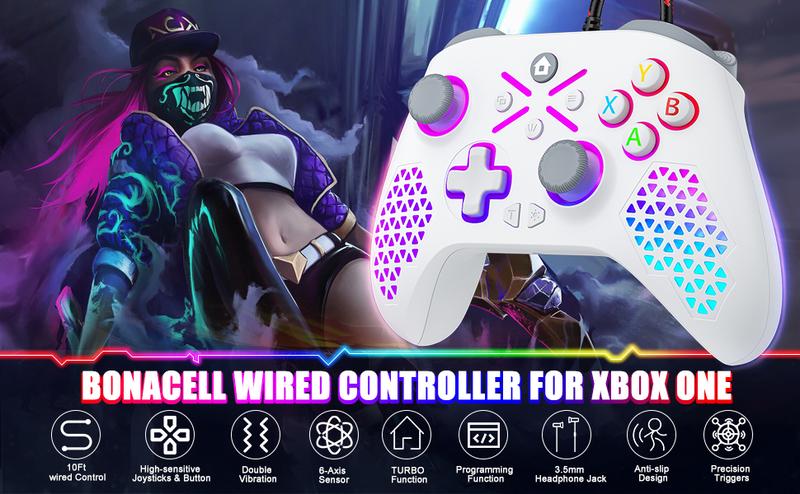
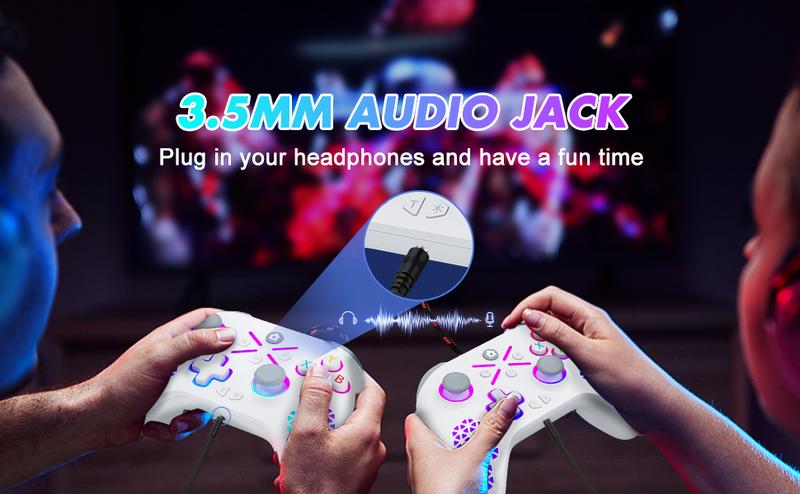
- 3.5mm Stereo Headphone Jack: For immersive audio and clear chat.
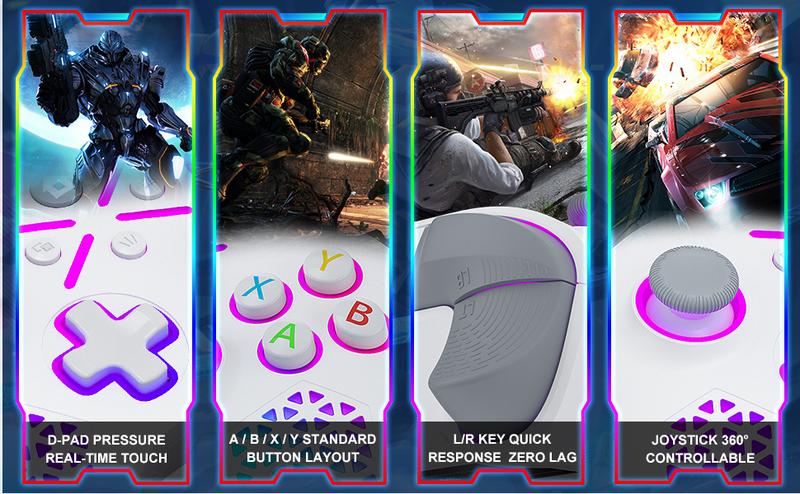
- New Hybrid D-pad: Enables accurate command inputs for a genuine gaming feel.
- Precision Analog Sticks: 360° full-range control with rapid rebound and enhanced accuracy.
- Impulse Trigger Vibration: Refined vibration motors deliver realistic tactile feedback for in-game actions like weapon fire and collisions.
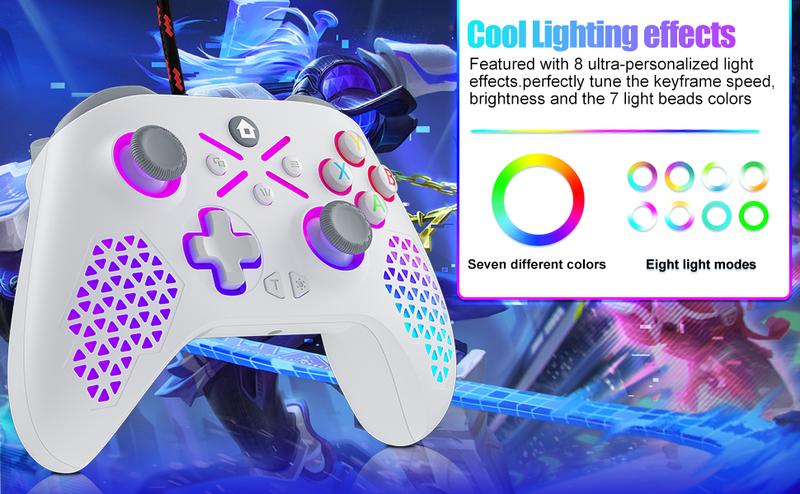
- Customizable RGB Lighting: Features adjustable 7-color spectrum lighting effects.
- Share Button: Allows for easy capture and sharing of screenshots and videos.
- Firmware Upgradeable: Easily update via USB for ongoing improvements.
2. Connection & Operation
- For XBOX ONE Console: Power on the console and connect the controller via the USB cable. A solid white LED indicates a successful connection.
- For Windows PC (XBOX Mode): Connect the controller to a PC (Windows 10 or later) via USB. The system will automatically install the necessary drivers. A solid white LED confirms the connection is active.
3. Button Layout The controller includes: D-pad (UP, DOWN, LEFT, RIGHT), Action buttons (A, B, X, Y), Bumpers (LB, RB), Triggers (LT, RT), Analog stick click buttons (L3, R3), VIEW, MENU, TURBO (T), HOME, Profile (PL/PR), SET, SHARE, RGB mode button, and two 3D analog sticks.
4. Turbo Function The controller features a Turbo function. To activate, hold the TURBO button and press any of the following buttons to assign rapid-fire: A, B, X, Y, LB, RB, LT, RT, L3, R3. The default rate is 8 presses per second. The corresponding channel LED will flash when the Turbo function is active.
5. Vibration Feedback Equipped with pressure-sensitive vibration motors that provide real-time, dynamic force feedback based on in-game scenarios.
6. Macro Programming Programmable buttons: All action buttons, D-pad, L3, R3, LB, RB, LT, RT. Programming keys: PL, PR, SET.
- To Program a Macro:a. Press and hold the SET button for 3 seconds until the channel LED blinks slowly (entering programming mode). A motor vibration confirms.b. Press the desired action key(s) you wish to program. The LED blinks rapidly while recording key presses/releases (up to 16 key entries).c. Press either the PL or PR button to save the macro. A solid LED and motor vibration confirm success. The chosen PL/PR button now acts as the macro trigger.d. The system exits programming mode after 8 seconds of inactivity.
- To Clear a Macro:a. Enter programming mode by holding SET for 3 seconds.b. Immediately press the PL or PR button that you wish to clear. A motor vibration confirms the macro has been erased.Note: Macro assignments are saved to memory. PL/PR buttons have no function out of the box.
7. RGB Lighting Control The controller features 17 RGB LEDs across 7 zones: Center, Left Stick, Left Grip, D-pad, Right Stick, Right Grip, and A/B/X/Y buttons.
Press the RGB button to cycle through modes:
- Color Cycle (Running): Colors cycle through the zones.
- Static Mixed: Locks the current cycling color.
- Stick Zones Fixed: Illuminates only the left and right stick zones.
- Face & Center Fixed: Illuminates the A/B/X/Y, D-pad, and center zones.
- Grip Zones Fixed: Illuminates only the left and right grip zones.
- All-Zone Fixed: Illuminates all zones except grips.
- Single-Color Breathing: All zones breathe smoothly in one color, cycling through pink, orange, yellow, green, cyan, blue, purple.
- Single-Color Solid: All zones display a single static color.
- Off: All lighting is disabled (Default mode).Note: RGB settings are not saved after power-off. All LEDs show white during connection tests.